All you need is a phone or tablet to color on the go with these digital coloring apps.
Packing up a stack of fresh coloring books and a giant handful of coloring utensils may not be the most stress-free way to kill time, relax, and decompress when you’re traveling, taking a quick mental health break at work, or sitting in a waiting room. Coloring apps, on the other hand, offer access to a whole bunch of designs and colors so you can get your coloring fill with just a smartphone or tablet. Take a break and get creative with these seven digital coloring apps perfect for coloring at home or on the go.
The Best Digital Coloring Apps
1. Colorfy
With more than 25 million users, Colorfy is by far one of the most popular coloring apps. Selected by Google as one of the “Most Beautiful” Best Apps of the Year in 2016, this coloring app features a wide range of digital designs, from animals and gardens to mandalas , florals, and even well-known paintings. If you’re a fan of coloring on trains, planes, and automobiles, you can use this app without wifi (and without tearing through your data plan).
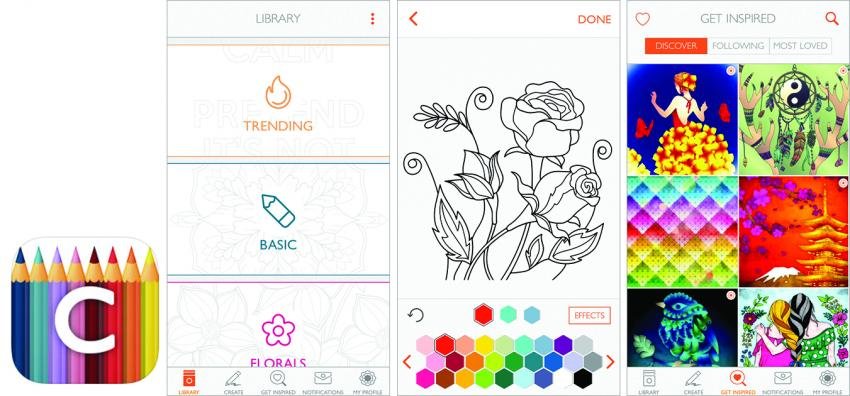
Cost: Free; in-app upgrades range from $0.99 to $99.99. Available from the Apple App Store and Google Play.
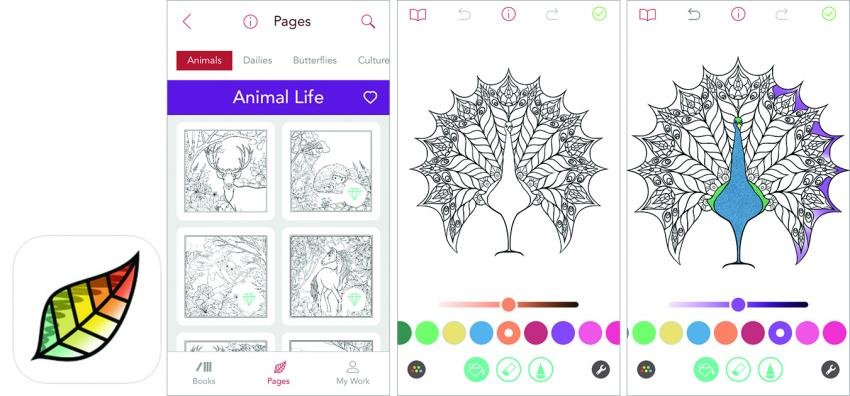
2. Pigment
Pigment stands out because it offers a more realistic coloring experience. While most coloring apps simply require users to tap each section to fill with the selected color, in Pigment, you use your fingertip like a brush or pencil, coloring back and forth to fill the empty spaces. You can choose from 23 different kinds of markers, brushes, and pencils, plus an unlimited array of colors (which is another added bonus since other apps only offer extended palettes for an additional cost). And if you want an even more authentic coloring experience, this app supports Apple Pencil and third-party styluses.
Cost: 7-day Free Trial; in-app upgrades range from $2.99 to $59.99. Available from the Apple App Store and Google Play.
3. ColorMe (Google Play) / Colorme (iTunes)
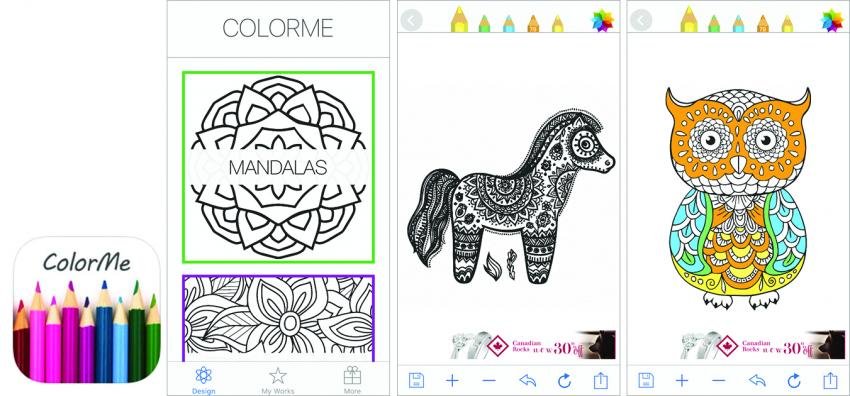
This free app—full of designs featuring animals, mandalas, nature , patterns, cities, and zodiac-inspired illustrations—promises an ad-free coloring experience (because let’s face it, ads aren’t exactly a relaxing distraction). Each coloring page is kid-friendly , so you can color on your own or with the fam.
Cost: Free; in-app upgrades range from $0.99 to $4.49. Available from the Apple App Store and Google Play.
4. Garden Coloring Book
With a name like Garden Coloring Book, you can count on plenty of nature-themed coloring designs featuring flowers, insects, plants, and animals. In this super affordable app, you can also use different styles of brushes to add depth and detail to your designs.
Cost: Free; in-app upgrades range from $1.99 to $7.16. Available on Google Play.
5. Color Therapy
Dubbed a social coloring community, Color Therapy allows you to connect with millions of coloring enthusiasts around the world. With more than 2,000 designs and 2,000 colors and gradients (including basic, pastel, vintage, ombré, and metallic) this app offers a ton of variety. To further your relaxation, Color Therapy allows users to choose music (either from their free or premium libraries or from your own!) to play while scribbling away.
Cost: Free; in-app upgrades range from $.99 to $39.99. Available from the Apple App Store.
6. Colorfly
Not to be confused with the similarly-named app Colorfy, Color fly features a simple, easy-to-navigate coloring interface so coloring lovers of any skill level can create beautiful masterpieces. Colorfly also allows users to personalize their own color palettes with favorite and most-used colors. One more notable feature: You can also create your own designs by importing your drawings or by taking a picture!
Cost: Free; in-app upgrades range from $0.99 to $9.99. Available from the Apple App Store and Google Play.
7. Recolor
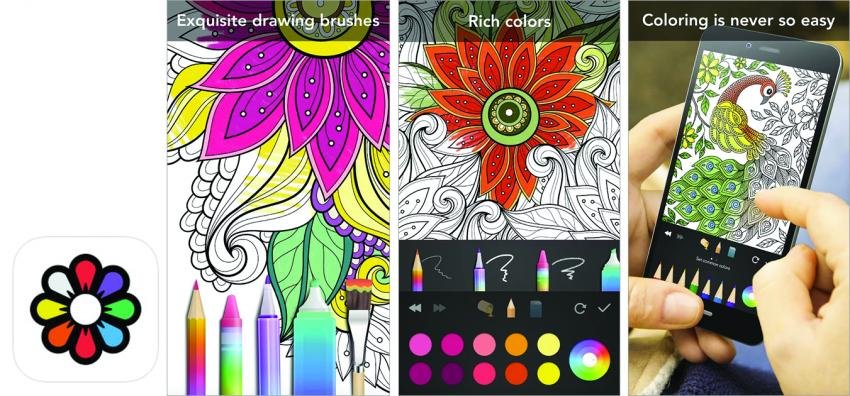
With more than 1,500 unique designs, you won't run out of coloring material with this app. The designs, which are organized into themed chapters, are also arranged by complexity—from beginner to expert level. With Recolor unlimited, you can expect new design updates every single day.
Cost : Free; in-app upgrades range from $1.99 to $108.71. Available from the Apple App Store and Google Play.
Have you ever tried a coloring app? Which is your favorite? Let us know in the comments below.
Tags: Tips & Techniques